CO2 Laser Engraving on MDF: A Complete Guide to Techniques and Applications
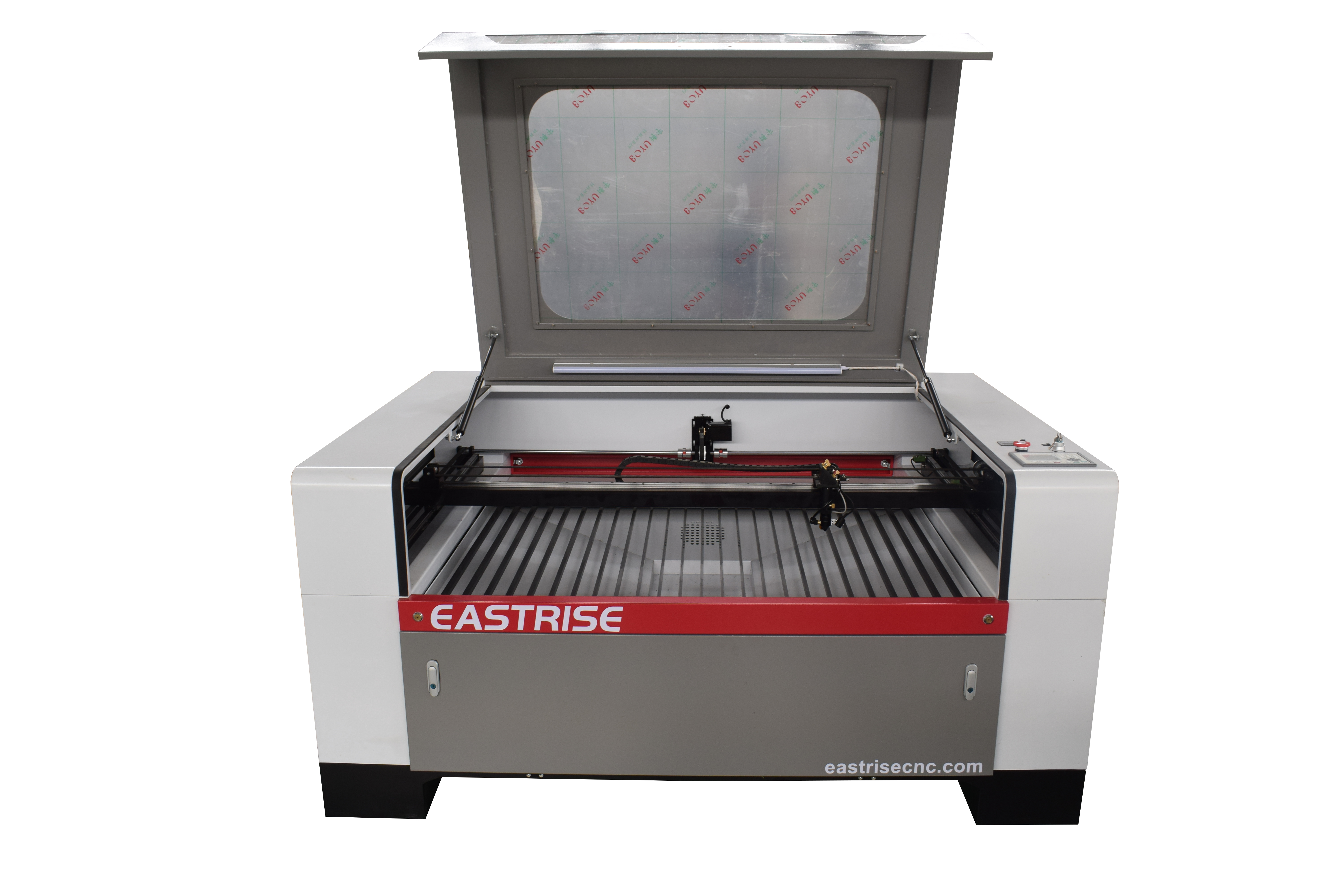
MDF (Medium-Density Fiberboard) is a popular material for laser engraving and cutting because of its relatively smooth surface, uniform structure, and versatility. From custom signs and decorative wall panels to furniture components and personalized gifts, MDF offers manufacturers and creative businesses a practical material for producing detailed designs.
A CO2 laser engraving machine for MDF can create intricate patterns, logos, text, and decorative graphics without direct contact with the material. With the right machine configuration, material preparation, and processing parameters, businesses can achieve consistent engraving results for both customized products and batch production.
In this guide, we explain how CO2 laser engraving works on MDF, which applications are most suitable, how to optimize engraving quality, and what to consider when choosing an MDF laser engraving machine.
CO2 laser technology is widely used for processing non-metallic materials, including wood, MDF, plywood, acrylic, paper, leather, and selected plastics.
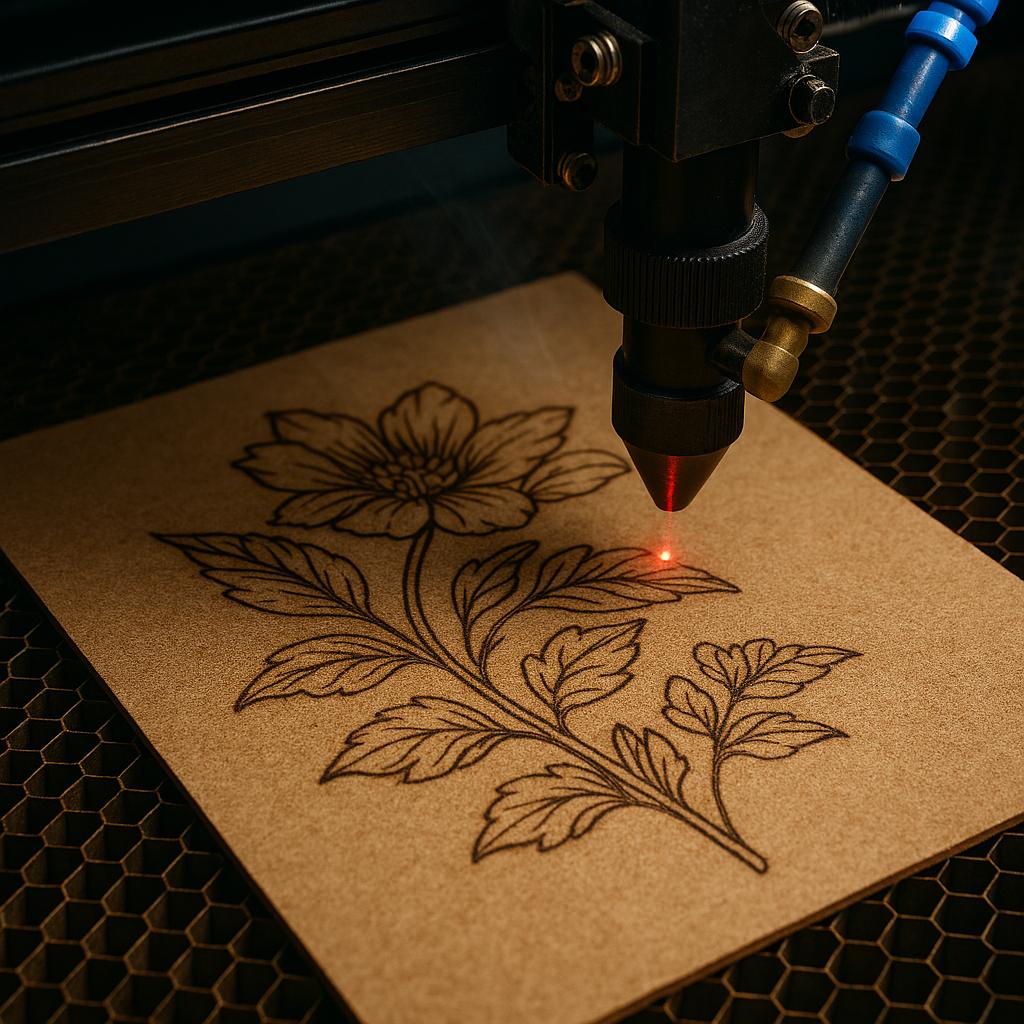
During engraving, the focused laser beam removes a controlled amount of material from the MDF surface, creating visible lines, patterns, text, or shaded graphics.
The main advantages include:
Detailed engraving: Produce logos, lettering, decorative patterns, and fine graphic elements.
Flexible design processing: Switch between different designs by changing the digital artwork.
Contact-free operation: Process material without a conventional cutting tool pressing against the surface.
Customization: Create personalized products in small quantities or prepare repeatable designs for larger orders.
Combined engraving and cutting: Depending on machine configuration and material thickness, a CO2 laser system can engrave surface details and cut selected MDF sheets.
For manufacturers, the right CO2 laser machine can help expand product offerings and support more flexible production workflows.
2. Best MDF Products for Laser Engraving
MDF is suitable for a wide range of decorative, commercial, and manufacturing applications.
Custom Signs and Nameplates
Laser-engraved MDF signs can feature business names, logos, directional information, decorative lettering, and personalized messages. These products are useful for retail displays, offices, workshops, exhibitions, and indoor signage.
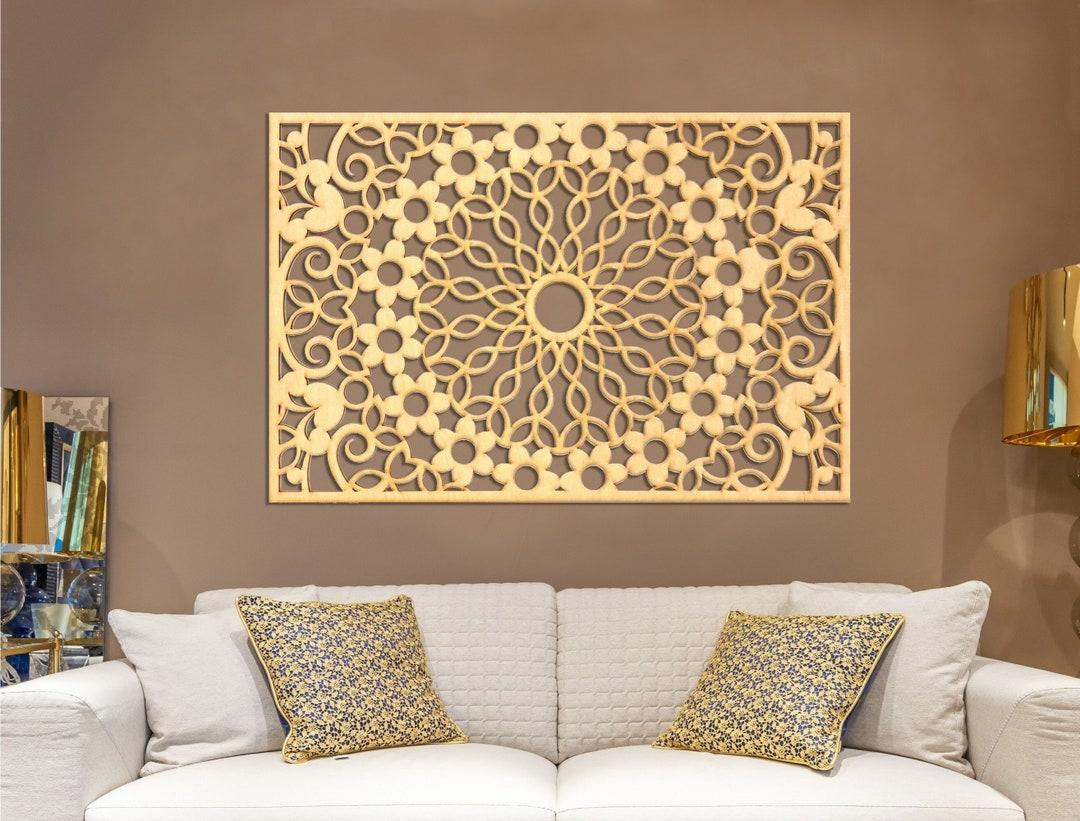
Decorative Wall Panels
Intricate geometric patterns, floral designs, and ornamental details can be engraved or cut into MDF panels. These panels are often used for interior decoration, display backgrounds, furniture accents, and decorative partitions.
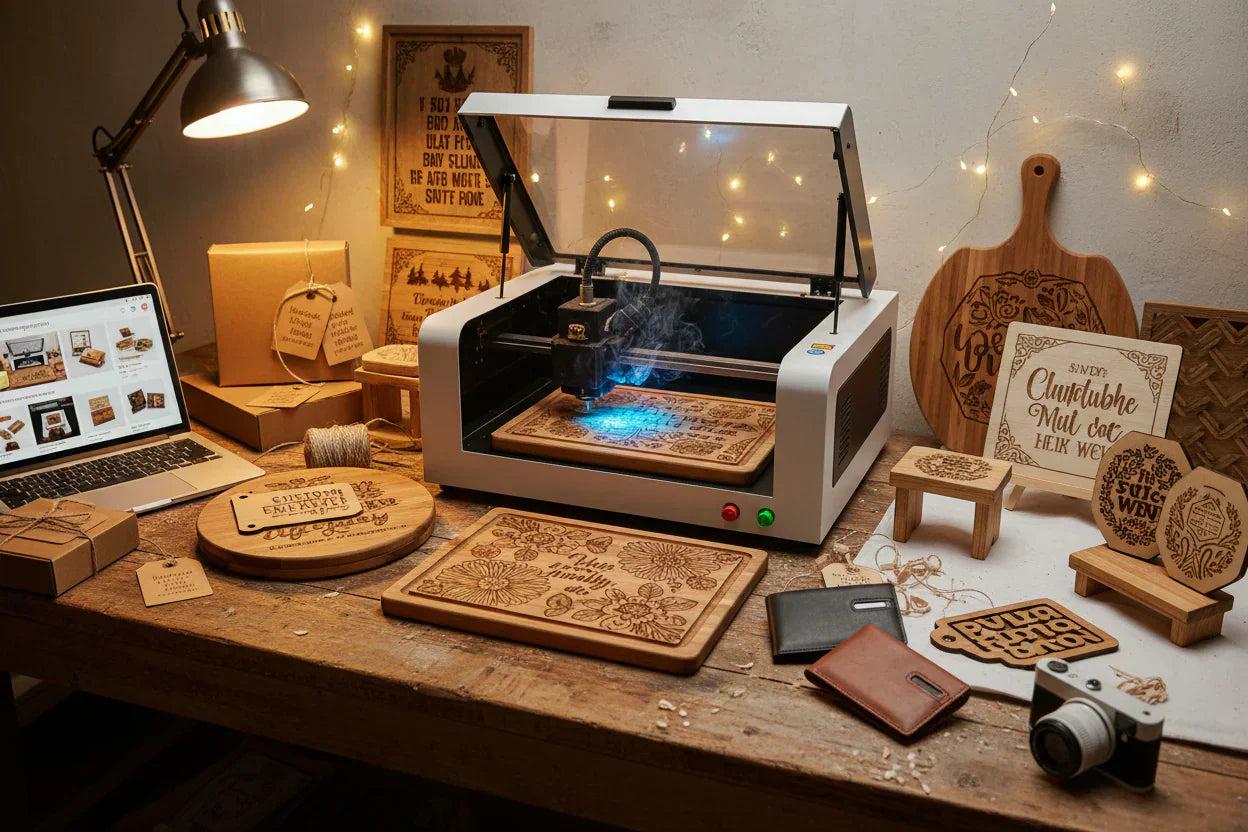
Personalized Gifts and Crafts
MDF is commonly used to produce photo frames, gift plaques, ornaments, keychains, keepsake boxes, and other customized items. Laser processing makes it easier to adapt artwork and text for different customers.
Furniture Components
Furniture manufacturers can use laser engraving for decorative inserts, cabinet details, drawer labels, and selected panel designs. Laser cutting may also be suitable for compatible MDF components, depending on thickness and machine capability.
Promotional and Retail Products
Branded display boards, product tags, packaging inserts, and promotional decorations can incorporate engraved graphics or logos. Businesses can use these products to create coordinated visual branding.
3. How to Get Better MDF Laser Engraving Results
MDF contains wood fibers and bonding resins, so its engraving behavior can vary with density, composition, thickness, and surface finish. Proper setup is essential for achieving clean and repeatable results.
Step 1: Choose Suitable MDF
Select MDF with a flat, consistent surface and a composition suitable for laser processing. Different boards may produce different engraving contrast, edge quality, and smoke residue.
Before production, confirm that the material is approved for laser processing and review the supplier's safety information.
Step 2: Prepare the Surface
Remove loose dust and debris before engraving. Ensure that the board lies flat on the worktable and that the engraving area is clean.
A consistent material surface helps maintain focus and can improve the appearance of fine details.
Step 3: Set the Correct Laser Power and Speed
Laser power and processing speed affect engraving depth, contrast, and surface discoloration.
Higher power or slower speed generally increases material removal and heat input.
Lower power or faster speed generally reduces heat input and may produce shallower engraving.
Excessive heat can create dark marks, charred edges, and unwanted discoloration.
The ideal settings depend on laser tube power, lens, focus, MDF grade, artwork, and desired finish. Start with manufacturer guidance, then run controlled tests on scrap material before production.
Step 4: Adjust Focus and Air Assist
Correct focusing helps the laser produce a consistent engraving line. Air assist can help clear smoke and debris from the processing area, while suitable extraction removes airborne contaminants.
Check the machine's focus, optics, worktable, and extraction system before starting a job.
Step 5: Test Fine Details Before Batch Production
For detailed logos, small text, or grayscale images, engrave a sample first. Check the contrast, edge definition, and overall appearance under normal viewing conditions.
Once the results are satisfactory, save the tested parameters for the same material and machine configuration. Recheck them whenever the MDF supplier, thickness, or surface finish changes.
4. Recommended CO2 Laser Settings for MDF
There is no single power-and-speed combination that works for every MDF board or CO2 laser machine. The following table provides a practical starting approach rather than universal numerical settings.
| Application | Processing approach | Main objective |
| Fine text and logos | Test relatively low power and higher speed | Clear details with limited charring |
| Decorative patterns | Balance power and speed using sample tests | Consistent lines and contrast |
| Deeper engraving | Increase material removal gradually | Achieve the required engraving depth |
| MDF cutting | Match laser power, speed, focus, and air assist to board thickness | Complete cuts with acceptable edges |
| Batch production | Use verified settings and consistent material | Repeatable quality |
Always test the actual material before production. Cutting performance and maximum processable thickness vary by machine power, MDF composition, and other operating conditions.
Selecting a suitable machine depends on your products, material dimensions, production volume, and required level of detail.
Working Area
Choose a working area that accommodates your typical MDF sheet dimensions and product layouts. A larger worktable can reduce the need to reposition material when processing larger panels.
Laser Power
The required laser power depends on whether you primarily engrave fine graphics, cut thin MDF, or process thicker sheets. Evaluate engraving quality and cutting capability separately rather than selecting a machine by wattage alone.
Motion System and Positioning
Stable motion, accurate focusing, and consistent positioning are important for fine patterns and repeatable production. Ask the supplier about the motion system, positioning performance, and maintenance requirements.
Software Compatibility
Check whether the controller and software support your design workflow and commonly used file formats. Compatibility with your existing design process can reduce setup time and improve production efficiency.
Fume Extraction and Safety
MDF laser processing generates smoke, fine particles, and potentially hazardous emissions. A suitable extraction and filtration arrangement, proper ventilation, enclosure, and fire-prevention procedures are essential.
Never operate a laser unattended, and use only materials approved for your machine and processing environment.
Eastrise CNC provides CO2 laser engraving and cutting equipment for processing non-metallic materials. Its product range includes different machine sizes and configurations for applications involving wood, MDF, acrylic, plywood, and other compatible materials.
When evaluating an Eastrise CNC solution, consider:
The working area required for your MDF products.
The laser power needed for your engraving and cutting tasks.
The required level of detail and production volume.
Controller, software, and material-handling requirements.
Fume extraction, maintenance, and after-sales support.
For machine selection, it is helpful to provide your MDF thickness, typical product dimensions, desired engraving effect, and whether cutting is also required. These details allow the supplier to recommend a more suitable configuration.
7. Frequently Asked Questions About MDF Laser Engraving
Can you engrave MDF with a CO2 laser?
Yes. CO2 lasers can engrave suitable MDF boards by removing material from the surface. The final appearance depends on the board composition, laser settings, focus, and extraction conditions.
What laser power is best for MDF engraving?
The best power depends on the required engraving detail, material, and production speed. Lower-power settings may be sufficient for shallow graphics, while more demanding applications may require a different machine configuration. Test settings on the actual MDF before production.
Can a CO2 laser cut MDF as well as engrave it?
Many CO2 laser machines can both engrave and cut MDF, provided that the machine has sufficient power and the board thickness is within its processing capability. Cutting performance should be verified through material testing.
How can I reduce burn marks on MDF?
Use suitable power and speed settings, maintain correct focus, provide effective air assist and fume extraction, and test the board before processing the final product. Excessive heat and poor smoke removal can increase discoloration.
Is MDF laser engraving safe?
Laser processing MDF requires appropriate precautions. The process can generate smoke, fine particles, and emissions from the board's bonding resins. Use approved materials, effective local exhaust ventilation, suitable machine guarding, fire monitoring, and the manufacturer's safety procedures.
Common applications include custom signs, decorative panels, furniture accents, nameplates, promotional displays, ornaments, gift plaques, and personalized craft products.
Conclusion
CO2 laser engraving provides a flexible way to create detailed designs on suitable MDF boards for signage, interior decoration, furniture components, and personalized products. Consistent results depend on material quality, machine configuration, verified processing settings, and effective fume extraction.
If you are looking for a CO2 laser engraving machine for MDF, Eastrise CNC can be a starting point for comparing working areas, laser power options, and application requirements.
Contact Eastrise CNC to discuss your MDF engraving or cutting project and identify a suitable machine configuration.
Website: https://www.eastrisecnc.com/
Email: info@eastrisecnc.com


 English


